KeyEchoKEYBOARD SOUND UTILITY · RUNS LOCALLY

Lightweight keyboard sound that stays responsive.

KeyEcho plays a recorded mechanical-keyboard sound the instant a key goes down. It ships as a small native app — under 5 MB, on Windows, macOS and Linux — with free packs built in and a catalog of carefully crafted packs you can preview in your browser.

FREE · OPEN SOURCE · UNDER 5 MB · WIN · MACOS · LINUX

SOUND OFF
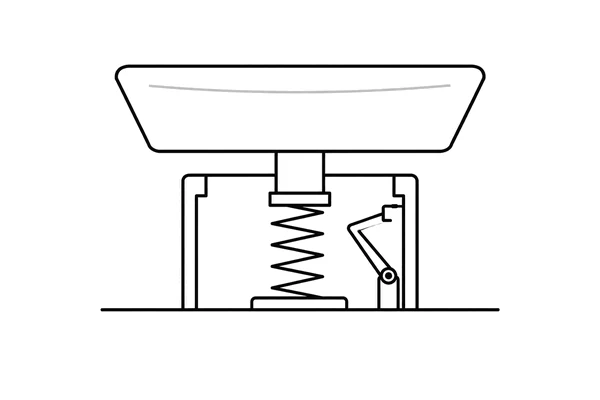
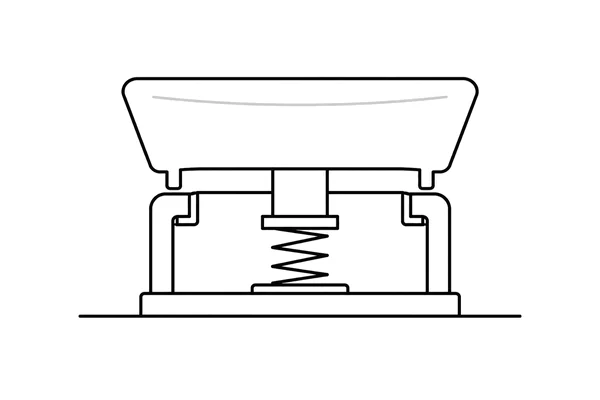
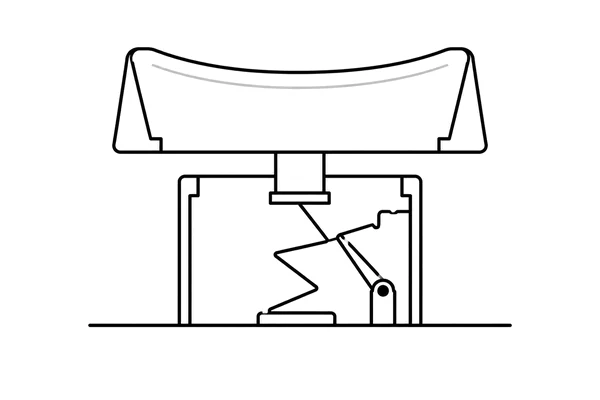
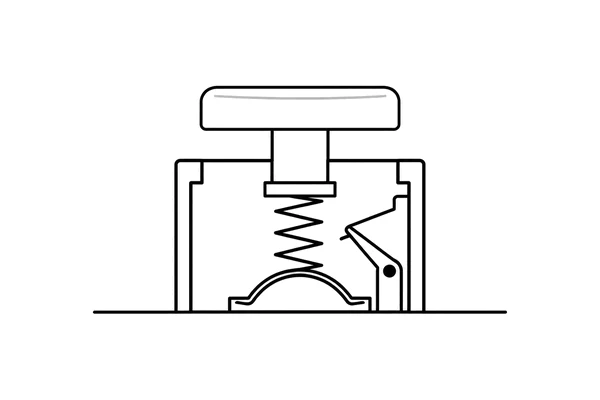
SWITCH ARCHETYPE · LINEARABCDYOUR MACHINEKEY EVENTstandbyKEYECHOplays a local sampleAUDIO OUTmutedLOCAL PATH · NOTHING TO WAIT FOR
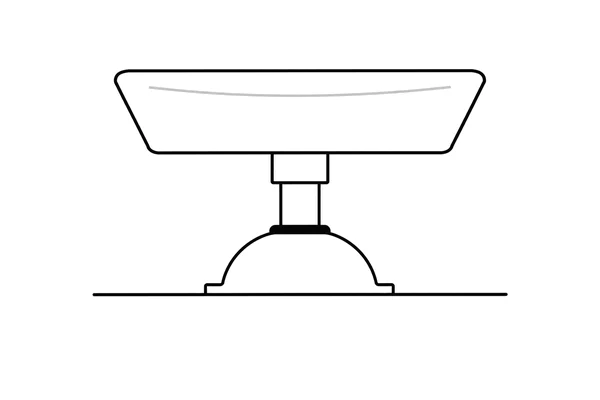
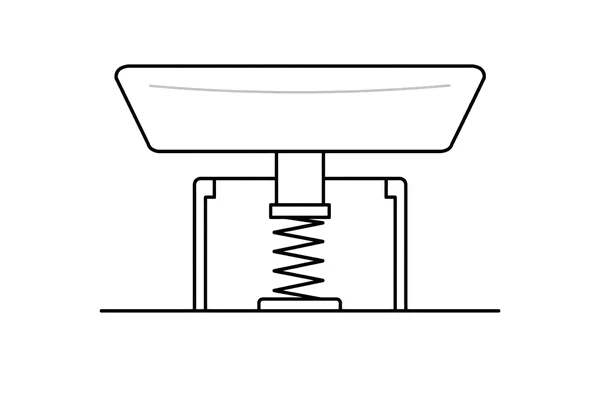
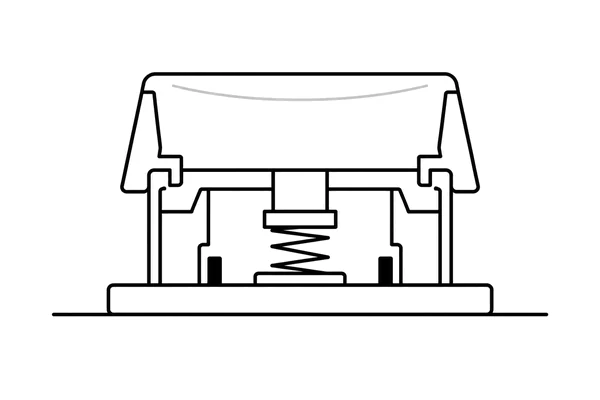
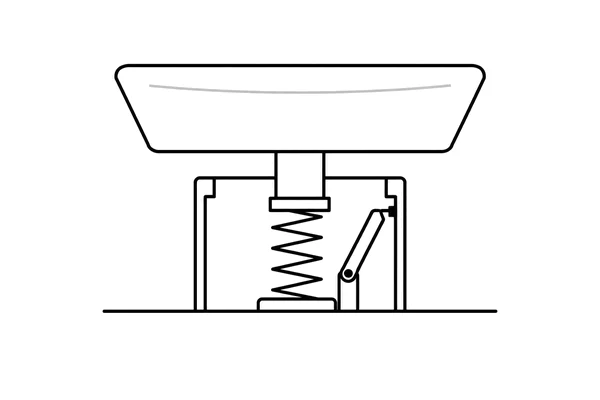
FIG. 1 · A keycap · B stem · C spring · D key event · A/B/C/D mark the local playback path.
KEYBOARD SOUND UTILITY · RUNS LOCALLY

How it works

01Sampled per keyReal recordings, sliced key by key — every key on your board has its own press and release.
02Under 5 MB, nativeA tiny native app on Windows, macOS and Linux. No background bloat — it just plays a local sample.
03Plays the instant you pressSound fires locally on key-down. No network, nothing to wait for, works everywhere you type.
NOTES

A few details, kept short.

Performance, permissions, and builds are supporting details. This is the short version.

PerformancePacks are decoded when you select them, so a key press only plays — no decoding, no sample copying. Packs and the playback queue have fixed limits, so memory and latency stay flat over long sessions.
Keyboard accessKeyboard events only trigger the selected sound — KeyEcho does not read or store what you type. Change packs and volume anytime; quit the app and the listener stops.
Signed buildsWindows builds are code-signed and macOS builds are notarized by WaveApp LLC. Low-level keyboard hooks can still trip antivirus heuristics; if your scanner flags a build, verify the signature or build from source — every line is public under AGPL-3.0.
Ready to hear it?Free, open source, under 5 MB — macOS, Windows, and Linux.